 Unnerd AI
You commented LIMIT
Unnerd AI
You commented LIMIT
5 free tools that make Claude Code hit its limit way less
Memory between sessions, fewer wasted tokens, a backup when your limit hits, Anthropic's own setup checker and a skill that learns from your corrections. All free.
Checked on 13 Oct 2026. Tools change fast, so the official page always wins if it says something different.
What you need first
The 5 tools, one by one
1. Claude Code Setup (official, start here)
Made by Anthropic. It scans your project and recommends the top 1–2 hooks, skills, MCP servers, subagents and slash commands for it. It only reads, it doesn't change your files.
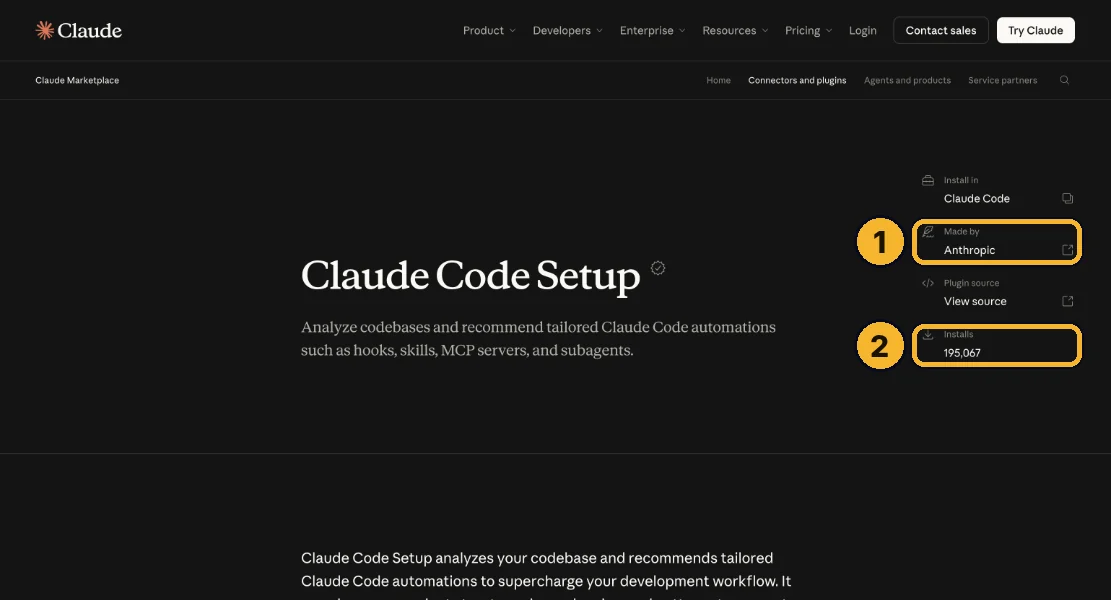
It's on the official Claude marketplace: made by Anthropic ①, about 195,000 installs ②.
/plugin install claude-code-setup@claude-plugins-official
Tip: Then ask Claude: recommend automations for this project.
2. Claude Mem: memory between sessions
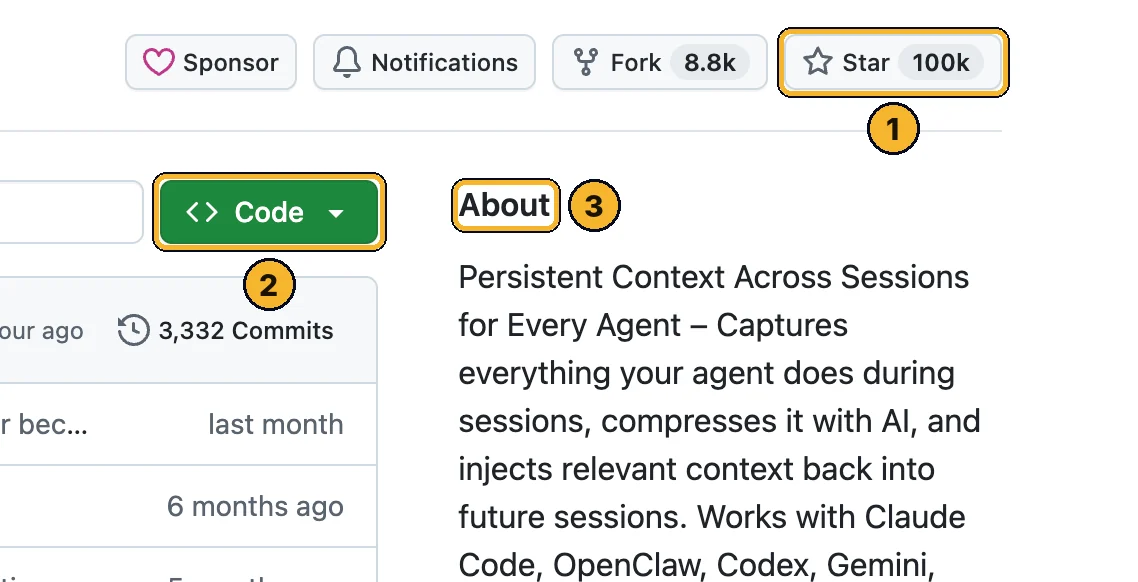
Saves what Claude did in each session and brings the important parts back next time, so you stop re-explaining your project. About 100k stars.
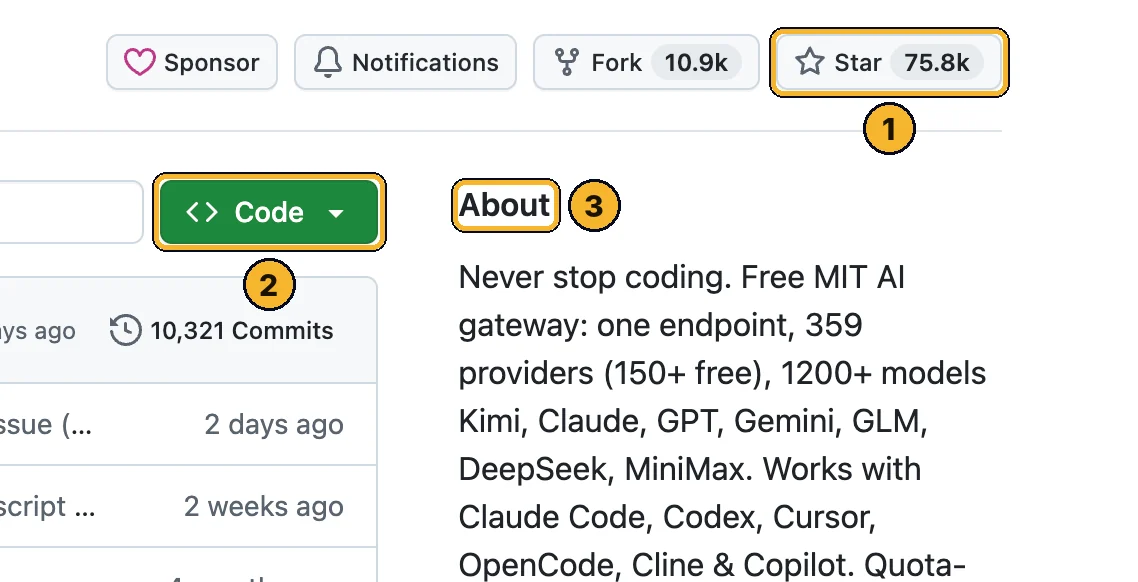
The claude-mem GitHub page: stars ①, Code ②, what it does ③.
/plugin marketplace add thedotmack/claude-mem
/plugin install claude-mem
Tip: Restart Claude Code after installing. Heads-up: its npx installer offers a paid hosted memory (30-day free trial). You don't need it: the plugin commands above work with your own Claude plan.
3. Headroom: fewer tokens per message
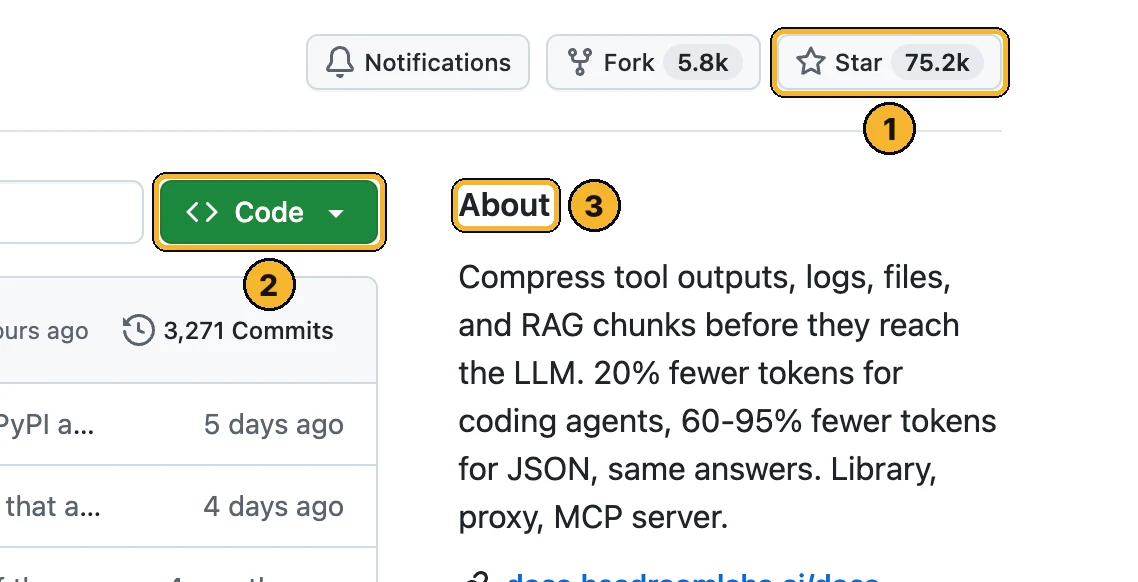
Squeezes tool outputs, logs and files before Claude reads them. In its own tests coding agents used about 20% fewer tokens, and up to ~57% on big debugging jobs.
The Headroom GitHub page.
pip install "headroom-ai[all]"
headroom wrap claude
pip install "headroom-ai[all]"
headroom wrap claude
Tip: To undo it: headroom unwrap claude. See your savings with headroom dashboard.
4. Task Observer: learns from your corrections
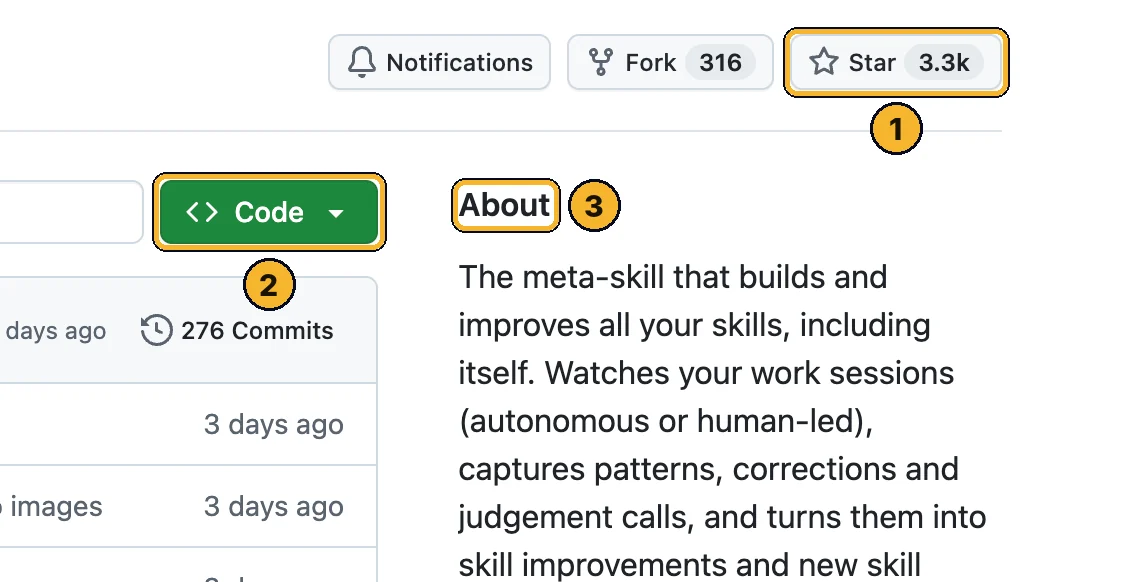
Watches your sessions, notes when you correct Claude, and suggests updates to your skills (or new skills). You decide what gets installed.
The repo is called one-skill-to-rule-them-all.
npx skills add rebelytics/one-skill-to-rule-them-all --skill task-observer -g
Tip: Then add the activation lines from its setup guide to your CLAUDE.md, and check it runs in a new session. Installing alone isn't enough.
5. OmniRoute: a backup when your limit hits
One app that connects Claude Code to 350+ AI providers (150+ with free plans) and moves to the next one when a limit runs out. Powerful, but set it up carefully: full safe setup is on unnerdai.com/route.
npm install -g omniroute
export INITIAL_PASSWORD="pick-a-long-password"
omniroute
npm install -g omniroute
$env:INITIAL_PASSWORD="pick-a-long-password"
omniroute
Tip: Don't skip the password (the default is CHANGEME) and don't connect providers it marks avoid.
Learn this with me
Live AI Masterclass
8 ways I make money with AI, built live step by step. Zero experience, no code, any age.
- Thu 15 Oct · 6pm UK · 1pm ET
- New date coming soon. See what you'll learn and the next date →
- 2 hours live + the replay
- $150 one time · only 10 seats
The Unnerd AI Club
Not a course. A step-by-step system to make money with AI: pick one money path and follow every step.
- 52 live classes a year
- Q&A 7 days a week + 1:1 calls with me
- $100/month · cancel any time
The catch
- Free models aren't as smart as Claude. OmniRoute keeps you working, but expect weaker answers on hard tasks.
- OmniRoute lists some providers marked “avoid” in its own terms list (using them can break those providers' rules). Don't connect them.
- More plugins = more to manage. Add one at a time and check each one works before the next.
- These are coder tools. Commands in Terminal / PowerShell, but every step is copy-paste.
Official links
Want to go further?
I show a new AI tool every week, and how to make money or save hours with it. No tech background needed.
Unnerd AI · I'm not linked to 5 free Claude Code tools, I just think it's useful.